
In the fast-evolving world of decentralized AI compute, running Llama 3 on gpumarketdepin. com DePIN GPUs stands out as a game-changer for developers seeking scalable, cost-effective power without centralized bottlenecks. Platforms like gpumarketdepin. com, building on the successes of Render and io. net, connect GPU providers worldwide to consumers for tasks like AI training and inference. This 2026 setup guide demystifies the process, drawing from proven local setups while adapting them to decentralized GPU Llama 3 environments. Whether you're fine-tuning the 8B model or scaling to 70B, DePIN unlocks efficiency that traditional clouds struggle to match.
Assessing Hardware Needs for Optimal Llama 3 Performance
Before diving into gpumarketdepin Llama 3 setup, evaluate hardware rigorously. Llama 3's variants demand specific VRAM: the 8B model requires at least 16GB, suiting GPUs like RTX 4090 or A10G. Larger 70B iterations need 140GB and, often across multiple A100 80GB units. DePIN's strength lies in dynamically assembling these clusters from global providers, ensuring you only pay for what you use in gpumarketdepin. com GPU rental AI workflows.
Fundamentals matter here. Single-GPU runs falter beyond 8B without optimizations, but DePIN clusters excel via parallelism. Patience pays off; undervalued providers on gpumarketdepin. com often deliver A100s at fractions of cloud rates, democratizing access to high-end compute.
Llama 3 VRAM Requirements and Recommended DePIN GPUs
| Model | Precision/Quantization | Min VRAM (GB) | Example DePIN GPUs |
|---|---|---|---|
| Llama 3 8B | Full Precision | 16 | RTX 4090 (24GB), A10G (24GB) |
| Llama 3 70B | Full Precision | 140 | Multi A100 80GB |
| Llama 3 70B | 4-bit Quantization | 40 | Single A100 40GB |
Configuring the Software Stack on DePIN Nodes
Software preparation forms the bedrock of run LLMs on DePIN. Start with Ubuntu 22.04 LTS on your gpumarketdepin. com instances; it's stable and NVIDIA-optimized. Install the latest CUDA Toolkit 12. x alongside matching drivers, verified via nvidia-smi in terminal. This mirrors local Nvidia setups but scales across DePIN's trustless network.
Next, deploy containerization with Docker or containerd for reproducibility. For distributed tasks, Kubernetes orchestrates multi-node jobs seamlessly. These steps, honed from community trials like Reddit's r/LocalLLaMA successes, translate directly to DePIN, minimizing setup friction.
Consider network fabric early: 10GbE or InfiniBand ensures low-latency inter-node chatter, critical for training. gpumarketdepin. com's marketplace filters for such specs, letting you bid on equipped providers.
Cost Comparison: Llama 3 8B Hourly Rates & Up to 70% Savings on gpumarketdepin.com DePIN GPUs
| Provider | GPU | Hourly Rate (USD/hr) | Monthly Cost (730 hrs, USD) | Savings vs gpumarketdepin.com | Setup Ease |
|---|---|---|---|---|---|
| AWS | 1x A10G (g5.2xlarge) | $1.00 | $730 | 70% ($511/mo) 💰 | ⚠️ Medium - IAM/VPC config |
| GCP | 1x L4 (24GB equiv) | $1.20 | $876 | 75% ($657/mo) 💰 | ⚠️ Medium - Console setup |
| RunPod | 1x A40 (48GB) | $0.60 | $438 | 50% ($219/mo) 💰 | ✅ Easy - Pod templates |
| gpumarketdepin.com DePIN | 1x RTX 4090 (24GB) | $0.30 | $219 | Up to 70% cost reduction! 🎉 | 🚀 Easiest - DePIN quick deploy |
Implementing Model Parallelism and Quantization Strategies
To push Llama 3 beyond single-GPU limits, embrace model parallelism. Tensor parallelism shards layers across GPUs; pipeline parallelism sequences them over devices. Frameworks like Megatron-LM or DeepSpeed integrate effortlessly, turning DePIN clusters into 70B-capable powerhouses.
Quantization slashes memory needs: 4-bit variants fit 70B on a lone A100 40GB, a boon for decentralized GPU Llama 3. Combine with NVIDIA TensorRT-LLM for FP16/BF16 inference, boosting throughput while curbing latency. These techniques, validated in 2026 benchmarks, elevate gpumarketdepin. com from rental service to strategic AI infrastructure.
Real-world adaptation from local guides underscores this: what works on an RTX 3090 locally thrives distributed on DePIN, with added resilience against downtime.
These optimizations transform raw DePIN hardware into a precision instrument for Llama 3 DePIN GPUs, where every millisecond counts in iterative AI development. Local enthusiasts on RTX setups have paved the way, but gpumarketdepin. com elevates this to enterprise scale without the premiums.
Hands-On Deployment: Provisioning and Launching on gpumarketdepin. com
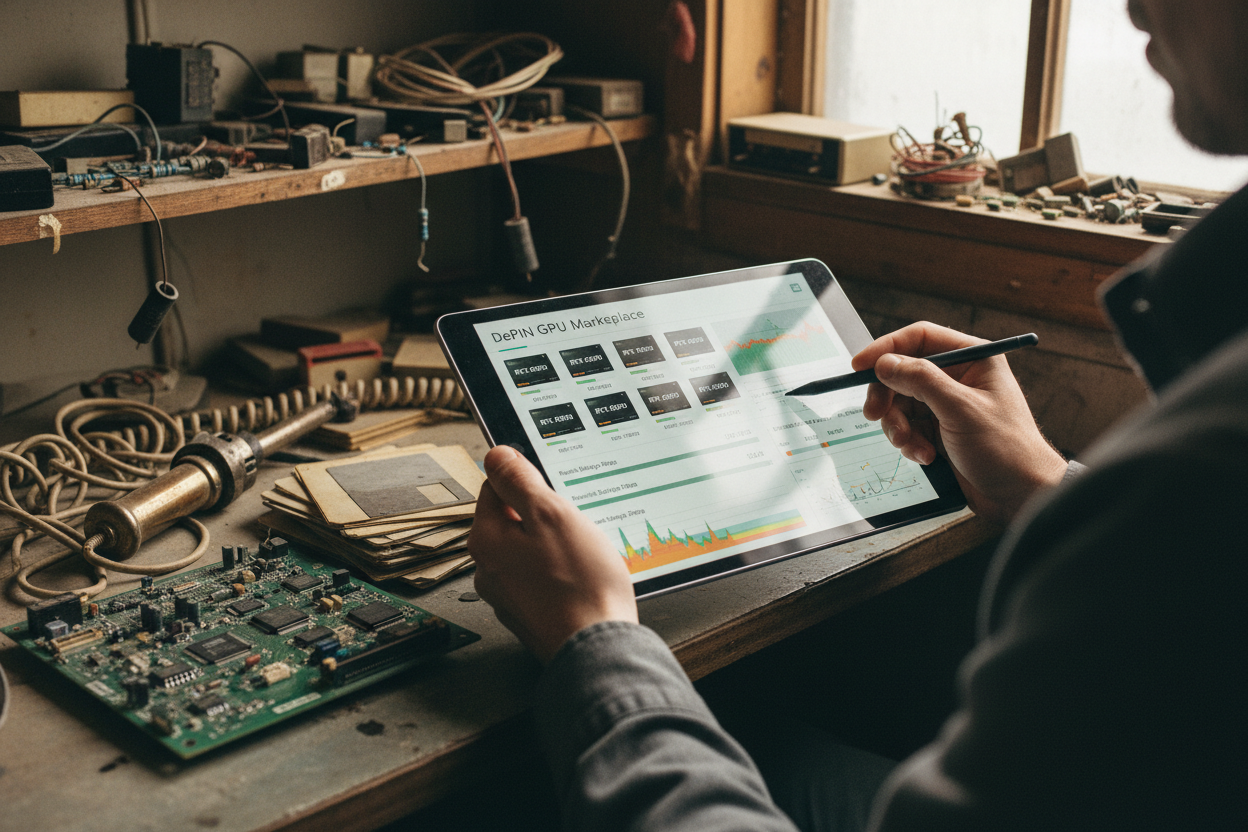
With foundations set, provisioning enters the spotlight in any gpumarketdepin Llama 3 setup. Log into gpumarketdepin. com, filter for Ubuntu 22.04 nodes with CUDA 12. x, ample VRAM, and high-speed networking. Bid competitively on clusters matching your model size- RTX 4090s for 8B inference, A100 arrays for 70B training. The marketplace's trustless matching algorithm assembles your fleet in minutes, far outpacing rigid cloud queues.
Once secured, SSH into the lead node and spin up containers. Docker simplifies this: pull a pre-built image optimized for Llama, mount volumes for models from Hugging Face, and map GPUs explicitly. For distributed runs, kubectl applies your Kubernetes manifests, distributing shards via DeepSpeed configs. This workflow, refined from 2026 community playbooks, ensures seamless run LLMs on DePIN execution.
Multi-GPU vLLM Docker Command for Quantized Llama 3 8B Inference
To efficiently run quantized Llama 3 8B inference on a multi-GPU DePIN node from gpumarketdepin.com, use vLLM with tensor parallelism. This command allocates all available GPUs, mounts volumes for model caching and logs, and configures the AWQ-quantized model for optimal memory usage and throughput. Adjust --tensor-parallel-size based on your node's GPU count.
docker run --runtime nvidia --gpus all --shm-size 32g -p 8000:8000 \
  -v ~/.cache/huggingface:/root/.cache/huggingface \
  -v $(pwd)/logs:/logs \
  --env "HUGGING_FACE_HUB_TOKEN=your_hf_token_here" \
  --ipc=host \
  vllm/vllm-openai:latest \
  --model bartowski/Meta-Llama-3-8B-Instruct-AWQ \
  --quantization awq \
  --tensor-parallel-size 4 \
  --dtype bfloat16 \
  --max-model-len 8192 \
  --enforce-eager \
  --gpu-memory-utilization 0.95
After execution, vLLM will download the model (if not cached) and start the OpenAI-compatible server at http://localhost:8000/v1. Test with curl or an OpenAI client: `curl http://localhost:8000/v1/chat/completions -H "Content-Type: application/json" -d '{"model": "bartowski/Meta-Llama-3-8B-Instruct-AWQ", "messages":[{"role":"user","content":"Hello!"}], "max_tokens": 128}'`. Monitor resource usage via `nvidia-smi` to verify multi-GPU utilization.
Adapt for training by injecting datasets and launching Megatron-LM scripts. A simple pipeline parallelism setup might shard the 70B model across eight A100s, yielding inference speeds rivaling datacenter behemoths at a fraction of the overhead. Monitor via Prometheus dashboards integrated into gpumarketdepin. com, tracking VRAM utilization, token throughput, and node health in real time.
Fine-Tuning Performance and Troubleshooting Common Pitfalls
Performance tuning separates proficient users from masters. Integrate TensorRT-LLM post-quantization for FP16 acceleration, often doubling tokens per second on A10G clusters. Experiment with batch sizes and KV cache quantization to squeeze more from decentralized GPU Llama 3 resources. If latency spikes, audit network fabric- downgrade to 1GbE providers inflates training epochs unnecessarily.
Troubleshooting draws from hard-won local battles. 'Out of memory' errors? Dial back batch size or deepen quantization to 2-bit. Driver mismatches? Reinstall CUDA uniformly across nodes. DePIN-specific quirks, like provider uptime variance, resolve via gpumarketdepin. com's redundancy bidding- allocate failover GPUs proactively. These measured steps, rooted in fundamentals, minimize downtime and maximize ROI.
Quantify gains through benchmarks: a 70B fine-tune on eight A100s via DePIN clocks in at hours, not days, with costs scaling linearly to usage. This efficiency underscores why undervalued DePIN networks like gpumarketdepin. com outshine hype-driven alternatives.
- Verify cluster: Run
nvidia-smiacross nodes. - Load model: Hugging Face CLI download with quantization.
- Infer: Prompt via API endpoint, log outputs.
DePIN's decentralized ethos shines in resilience; if one provider flakes, the network reroutes transparently. GPU owners earn steadily, consumers access power on demand- a virtuous cycle fueling AI innovation.
Embracing gpumarketdepin. com means betting on scalable infrastructure over fleeting trends. As Llama evolves, this setup positions you ahead, harnessing global GPUs for tomorrow's models today. Dive in, provision your cluster, and experience the measured power of gpumarketdepin. com GPU rental AI.

No comments yet. Be the first to share your thoughts!